University Human Resources
Student Employees
Working as a student employee at Brown provides opportunities to build valuable skills, gain professional experience and contribute to the University community.
Student Employees
Working as a student employee at Brown provides opportunities to build valuable skills, gain professional experience and contribute to the University community.
Student Employment Support
Student Employment supports students in finding on-campus jobs, completing onboarding requirements, and understanding employment policies and expectations.
The team offers virtual office hours on Tuesdays and Thursdays from 1-2 p.m. For questions, contact student_employment@brown.edu.
Getting Started
Find a Student Job
All student jobs are posted in Workday. To search and apply:
- Log in to Workday. Select “Workday Access” and sign in using your Brown username and password.
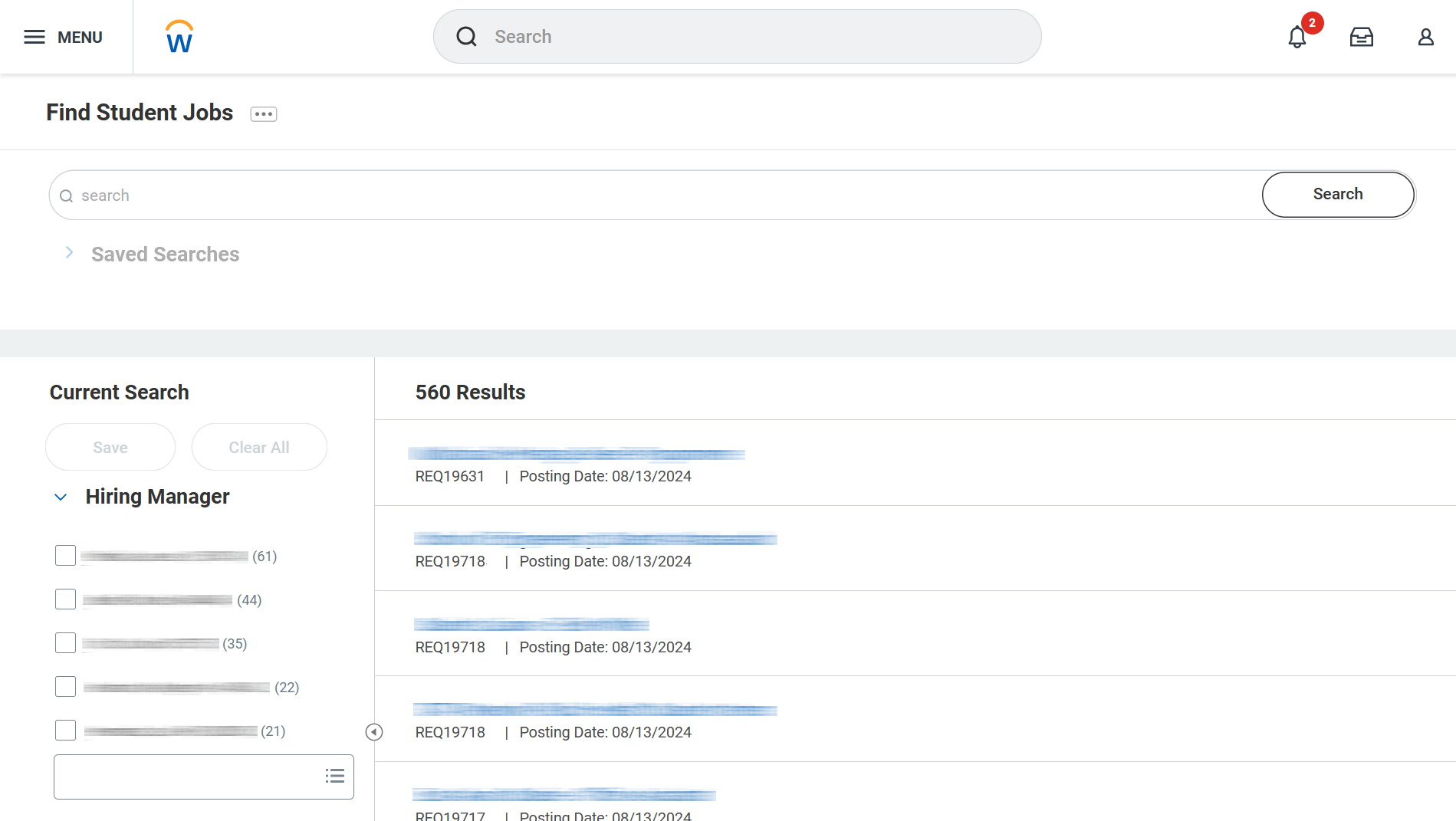
- In the Workday search bar, type “Find Student Jobs” and select it from the drop-down menu.
- On the Student Employment job postings page, use the search bar or the filters under Current Search to refine your results.
- Click on any job title to view more detailed information about the position.
- To apply, select the job title and click the Apply button.
Track Applications:
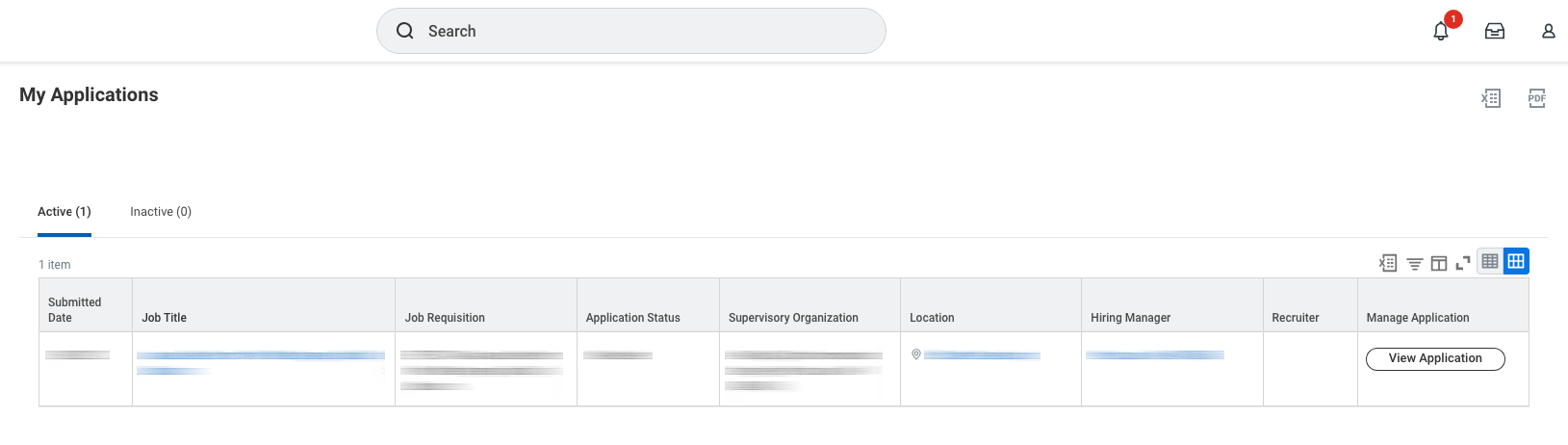
In the Workday search bar, type “My Applications” and select it from the drop-down menu to view your application status.
For more detailed instructions, please refer to the job aid, Student Jobs in Workday: Search, Apply, & Review.
Work Eligibility and Work-Study
All undergraduate students, regardless of financial aid status, are eligible to apply for student jobs. A Work-Study or Campus Employment award:
- Is optional, not required
- Does not guarantee a job
For more details, visit the Federal Work-Study and Campus Employment page on the Office of Financial Aid website.
Before You Start Working
Onboarding Requirements
Before beginning work, students must complete:
- Federal Form I-9 and onboarding tasks in Workday
- In-person document verification at the HR Service Center
You must bring acceptable documents to complete the I-9 process.
Student onboarding instructions
For questions about Form I-9 and student onboarding, please contact the HR Service Center at hrservicecenter@brown.edu.
Managing Your Job in Workday
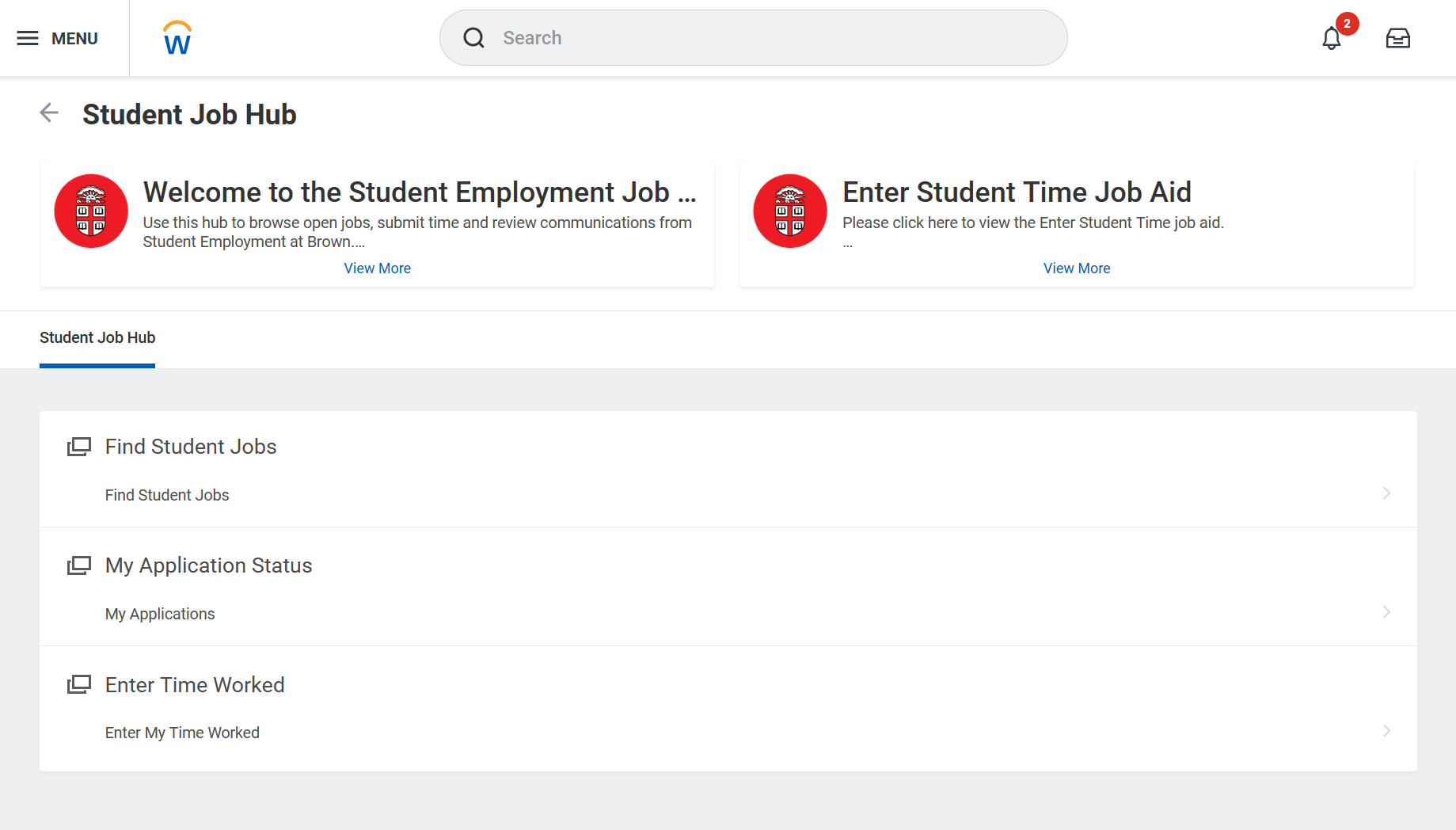
From the overview screen, students can:
- Browse and apply for student jobs
- View and manage applications
- Enter and submit time worked
Search for open positions at Brown using filters to narrow preferences (i.e. job profile, department, work location and time type).
Centrally view application status for all positions.
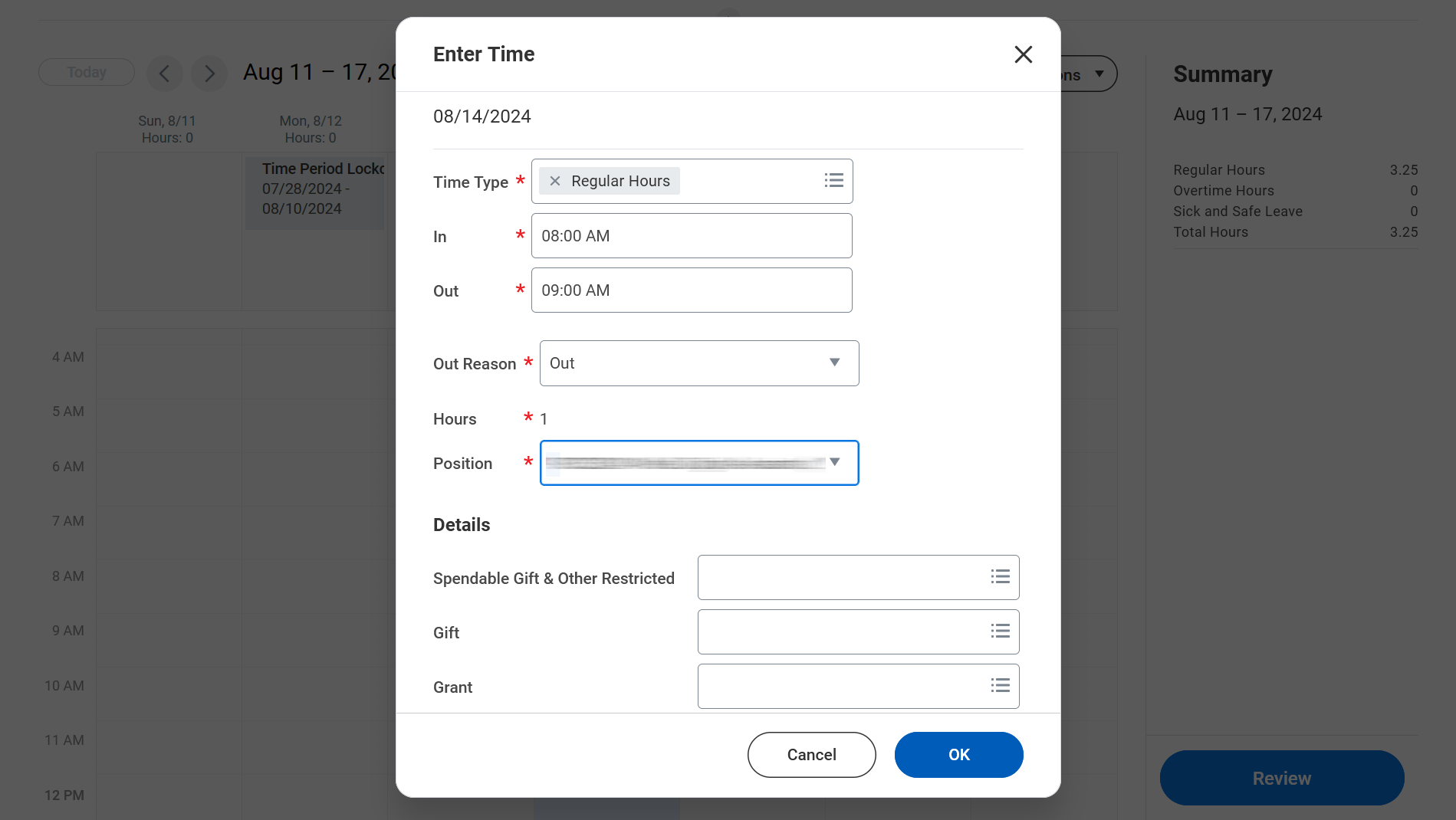
Enter hours worked each week for on-time and accurate payments. Contact your manager with questions about time entry.
Resources for International Student Employees
The Office of International Student and Scholar Services (OISSS) provides guidance on a wide range of topics to support incoming international students and scholars, both before they arrive in the United States and throughout their time here.
Student Employment: What You Need to Know
https://www.youtube.com/embed/V3LglqqtdxU
Student Employment Webinar
What You Need to Know